⚠️ End of Windows 10 support: migrate to Windows 11 ✅ or extend securely with ESU?
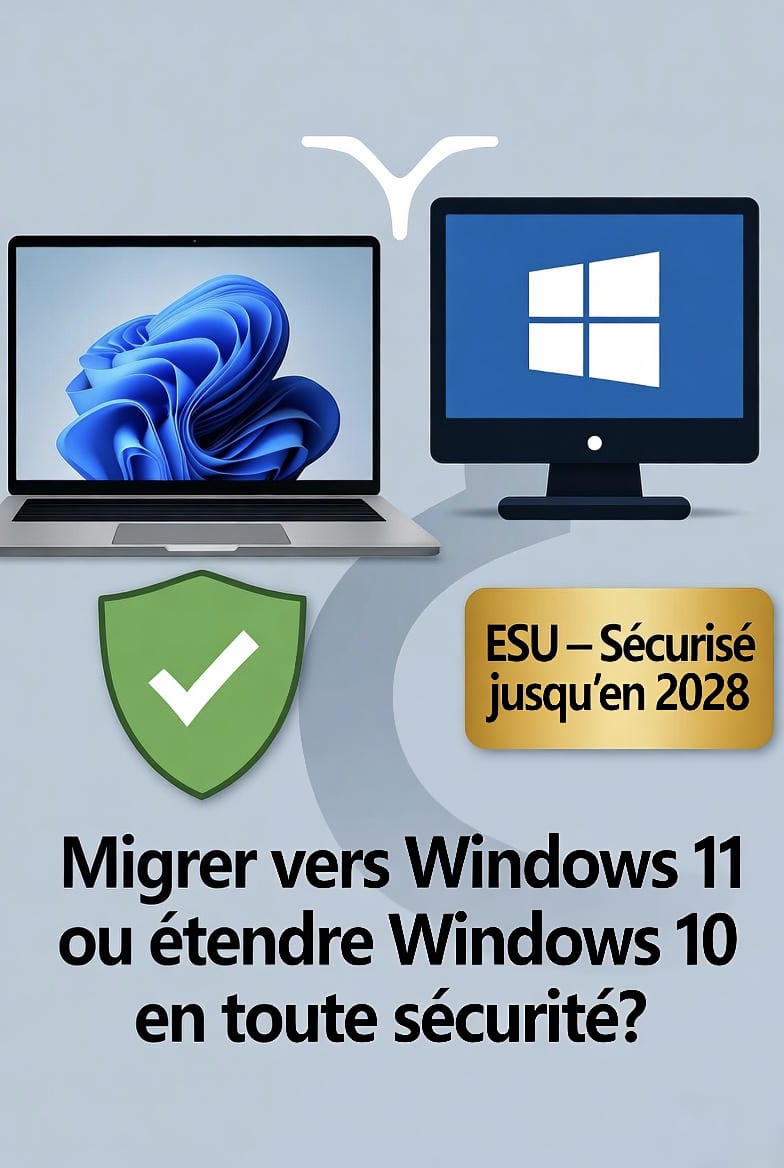
🔄Windows 10 reaches end of life:
Migrate to Windows 11 or extend with ESU?
14 October 2025 is a key date for all Windows 10 users: it is the official end of support by Microsoft. From that day on, no security updates will be released free of charge any more, exposing systems to critical vulnerabilities.
Faced with this deadline, you have two strategic options:
✅ Option 1: Migrate to Windows 11 (recommended)
Microsoft strongly encourages the move to Windows 11, its most secure operating system to date. It natively includes:
- A reinforced security architecture (TPM 2.0, Secure Boot, Virtualization-Based Security)
- Performance optimised for new hardware
- Extended support until 2027 at least, or even longer depending on update cycles
- Better compatibility with cloud tools, AI and future innovations
💡 Check the compatibility of your hardware using Microsoft's "PC Health Check" tool. If your computer is recent (post-2018) and has a compatible processor, the upgrade is free. If your computer is not compatible, use WinFAst.
👉 It is the most durable, secure and economical solution in the long term.
⏳ Option 2: Keep Windows 10 with the ESU programme
If you cannot migrate immediately, whether because of hardware, line-of-business software or scheduling, be aware that it is still possible to stay on Windows 10… but under certain conditions.
Microsoft offers the ESU (Extended Security Updates) programme, which allows you to receive critical security fixes for 3 additional years (until October 2028).
Eligibility requirements:
Be running Windows 10 Pro, Enterprise or Education
(Windows 10 Home is not eligible)
Hold a valid ESU licence, purchased exclusively through:
- An authorised Microsoft partner (CSP)
- The Volume Licensing Service Center (VLSC) (for businesses)
⚠️ Warning: there is no free ESU licence. Keys sold on Amazon, eBay or other unofficial platforms are invalid or fraudulent.
Simplified activation
If you are eligible and hold a licence, a lightweight, transparent script lets you enable the ESU interface in Windows Update, without any intrusive modification of the system.
🧭 Which one should you choose?
Windows 11 | Windows 10 | |
Security | ✅ Maximum (built-in security) | ✅ Critical updates only |
Cost | Free (if hardware is compatible) | 💰 Paid (annual licence) |
Support period | Until 2027+ | Until October 2028 |
Required hardware | TPM 2.0, Secure Boot, recent CPU | No additional requirements |
Ideal for | New workstations, small businesses, individuals | Existing fleet, line-of-business software, gradual transition |
➡️Need help?
Whether you want to migrate to Windows 11 or enable the ESU programme, we support you with simple, secure and well-documented tools, and it's free!
👉 Discover our complete guide and download the official scripts